The “buy 9, get the 10th free” card is the oldest loyalty program there is, and it still works: a customer who has 6 stamps has a real reason to come back to you instead of the shop next door. The question for most shop owners today is whether to keep it on paper or move it to the phone.
The problems with paper cards
- They get lost. Most paper cards are thrown away or left in a wallet at home, so the customer starts again — or never comes back.
- They get faked. A rubber stamp is easy to copy, and staff sometimes stamp twice to be nice.
- You learn nothing. You don't know who is 2 visits away from a reward, so you can't remind them.
- They can't expire neatly. “Valid for 6 months” is hard to check on a crumpled card.
What a digital stamp card adds
| Paper card | Digital stamp card | |
|---|---|---|
| Lost cards | Common | Never — it's on the customer's phone |
| Fake stamps | Easy | Only your counter scan adds a stamp |
| Rewards along the way | Rare | Milestone rewards at any visit |
| Validity period | Hard to enforce | Automatic, with reminders before expiry |
| Knowing your regulars | No | Yes — names, visits, last visit |
Design a card customers actually finish
- Keep the goal reachable. 5–10 visits for cafés and salons; 4–6 for higher-priced services.
- Add an early milestone. A small reward at visit 3 makes the card feel “started” and lifts completion.
- Set a validity that matches your cycle. “10 coffees in 3 months” for a café, “6 haircuts in 6 months” for a salon.
- Make the final reward specific. “Free cappuccino” beats “free item”.
Setting it up on GCO
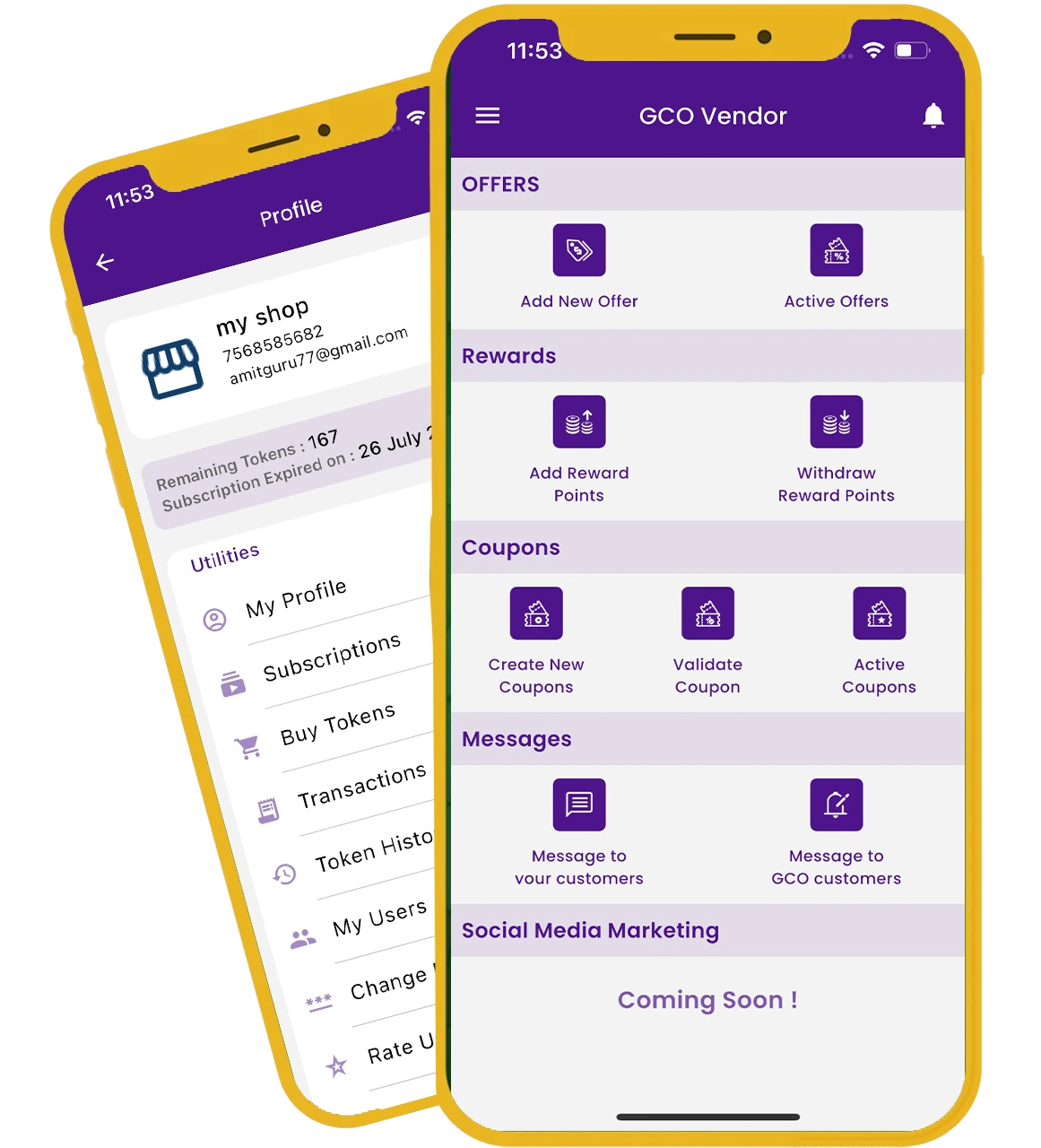
In the GCO vendor app, create a stamp card, choose the visits, add milestone rewards and an optional validity in months. At the counter, scan the customer's GCO QR (or type their mobile number) to stamp. When a reward is reached, tap “Mark as given”. Creating the card is free; each stamp uses a small number of credits — see the live price list.
Read more about digital stamp cards on GCO.