When someone searches “pharmacy near me” or asks an AI assistant “good salon in Malviya Nagar”, the answer comes from what the internet knows about your shop. Here's how to make sure it knows enough.
1. Claim your Google Business Profile
It's free and powers Google Search and Maps. Add your exact category, timings, phone, photos and services.
2. Keep your details identical everywhere
Use the same shop name, address and phone on Google, your website, Instagram and directories. Search engines and AI assistants trust consistent information.
3. Have your own web page
A page with your address, map, timings, photos, offers and a short description gives search engines and AI something to read and quote. Structured business data helps them understand it.
4. Collect reviews — and reply
Recent reviews strongly influence local rankings and what AI assistants say about you.
5. Answer common questions
Timings, parking, home delivery, payment options, rewards: put clear answers on your page. AI assistants quote clear, factual answers.
6. Post updates
New offers and photos signal that your shop is active.
How GCO helps
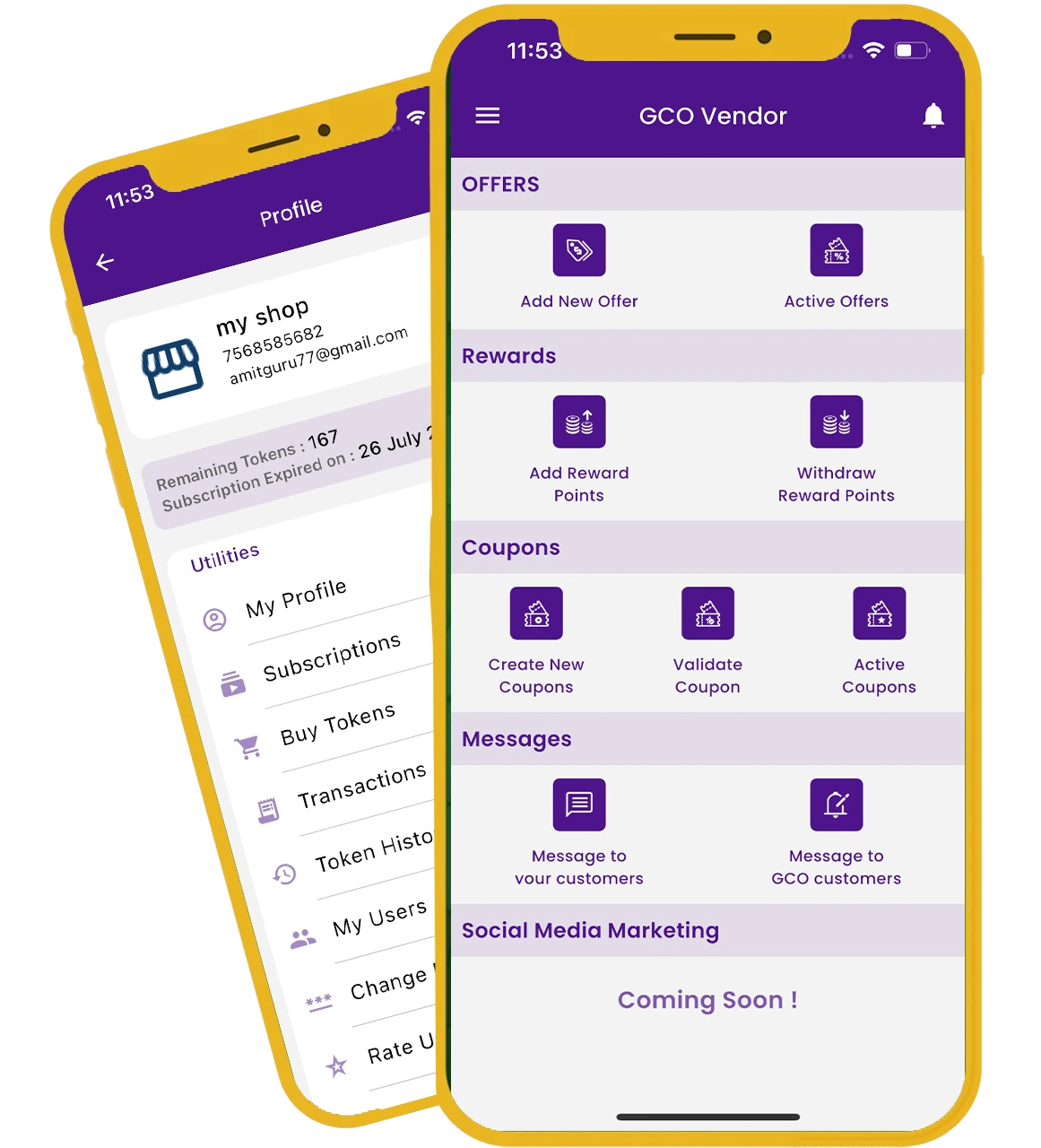
Every activated GCO shop gets a free web page on gocrazyoffers.com with business structured data, a quick-answers section built from your shop details, and a listing in our directory and sitemap — plus Google review requests from the app.